Contract-first
Typed Go structs are the single source of truth. JSON Schema, TypeScript types, and fixtures are generated — server↔UI drift is caught by the toolchain, not by production users.
One CGo-free Go binary. Contract-first MCP servers and apps, with intrinsic observability, a local inspector, and one-command packaging.
Dockyard is stable. Install the latest release with one command:
go install github.com/hurtener/dockyard/cmd/dockyard@latestFull release notes are in CHANGELOG.md; the post-V1 backlog (what comes next) lives in docs/V2-BACKLOG.md.
Dockyard is the third product in a three-part ecosystem:
Portico  — the MCP gateway        (connects and governs tools)
Harbor   — the agent framework    (builds and runs agents; owns the MCP client)
Dockyard — the MCP Apps framework (builds the MCP servers and apps users touch)
Portico connects. Harbor reasons. Dockyard presents.
Two product-pattern templates ship with Dockyard, each exercising the framework end to end.
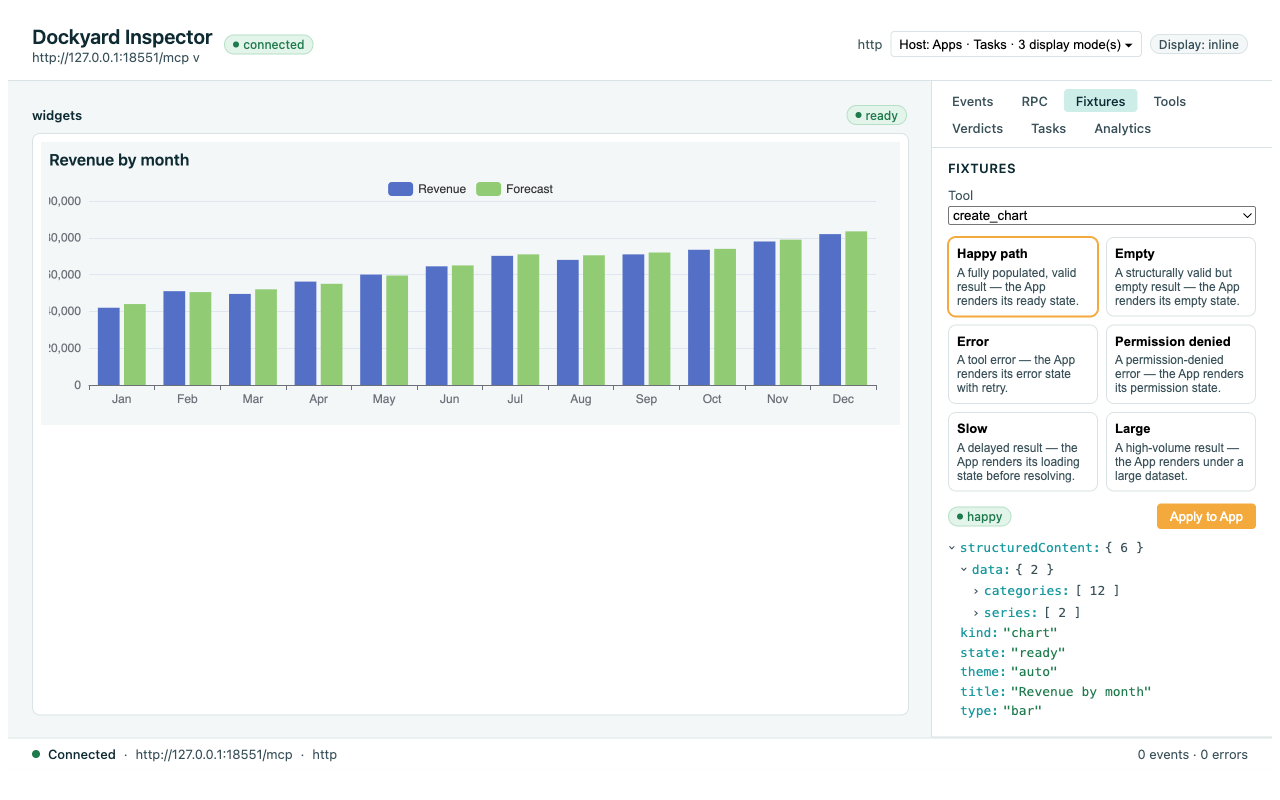
analytics-widgets — read-side Three contract-first widget tools (create_chart, create_table, create_metric_card) rendered inline by one Svelte App that composes the shared web/ui/ design system plus a Sparkline and an Apache-ECharts ChartFrame. The canonical "render structured data inline in the host" example.
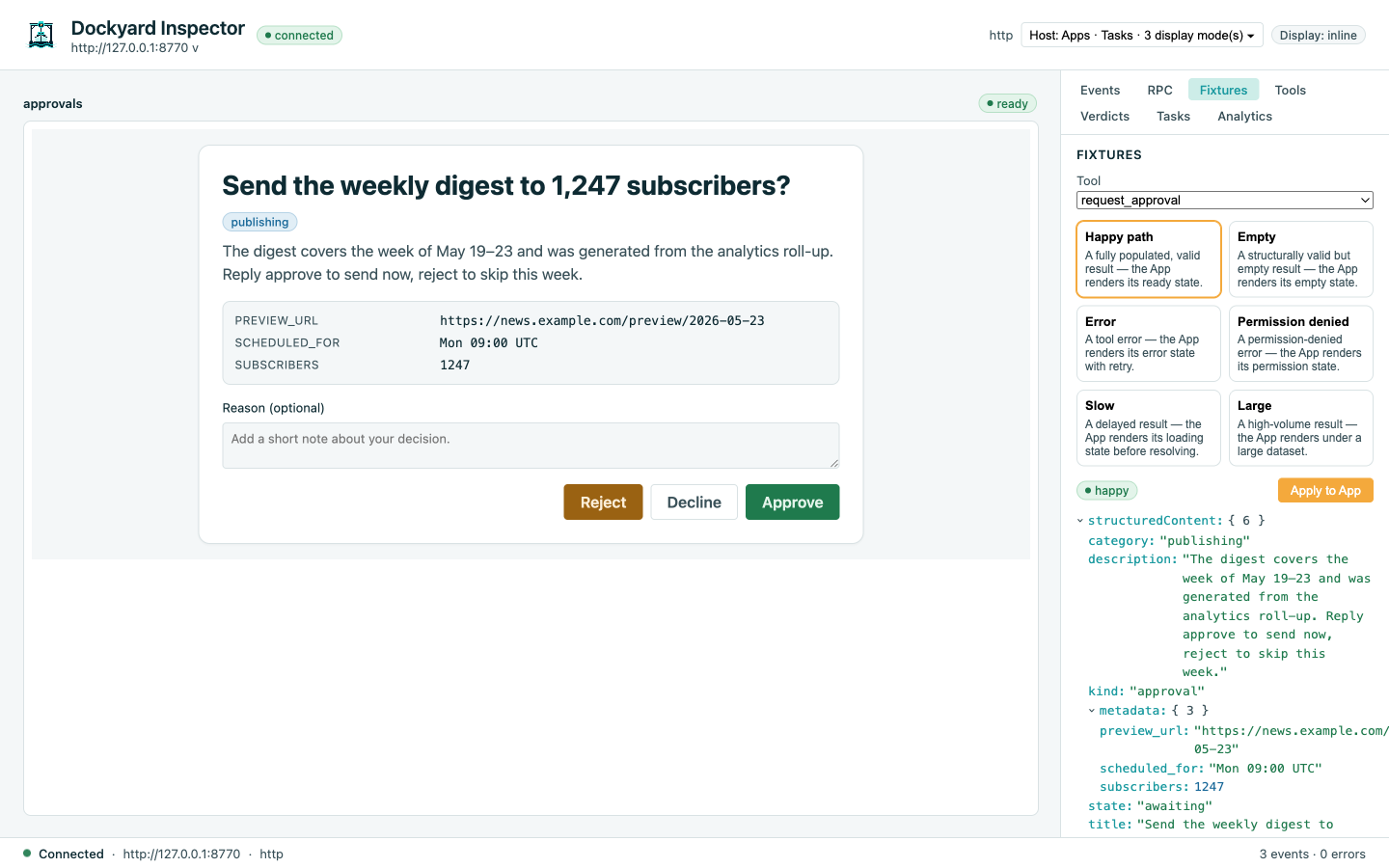
approval-flows — write-side Two task-augmented tools (request_approval, propose_with_edits) rendered as a human-in-the-loop card / form by one Svelte App that drives the input_required round-trip from inside the iframe. The canonical Tasks × Apps showcase.
Dockyard is built with a doc-driven methodology — research briefs → RFC → master phase plan → phased implementation — to keep design and code coherent across a long build. The artifacts are in-repo and the docs site renders them directly.